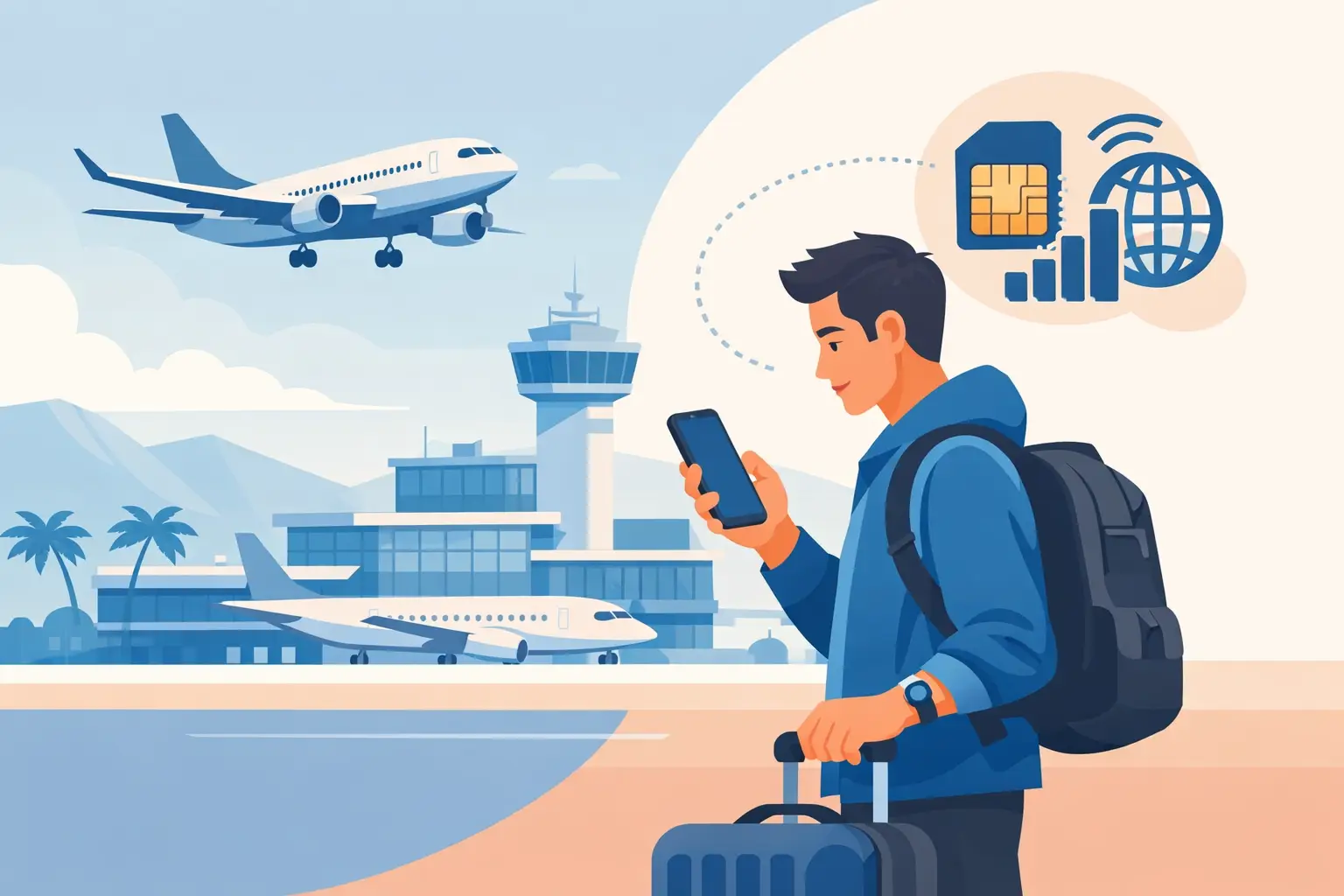
You have landed, switched off airplane mode, and need directions to your hotel. So, does eSIM work after landing? In most cases, yes. A travel eSIM can connect shortly after your phone detects a supported local network. The catch is that the eSIM must be installed correctly, turned on for mobile data, and used within the plan's coverage area.
For travelers, the practical answer is simple: install your eSIM before departure when you have reliable Wi-Fi, then activate its data connection when you arrive. That gives you a much better chance of being online within minutes instead of troubleshooting at baggage claim.
Does eSIM Work After Landing Right Away?
An eSIM does not need to be purchased or installed only after you land. In fact, installing it before the flight is usually the smarter move. Once you land, disable airplane mode, enable the travel eSIM line, and let your phone register on a local partner network.
How quickly that happens depends on the country, network conditions, and your device settings. Many phones connect in a minute or two. Others may take several minutes as they search for an available network. If you are standing in an area with weak airport coverage, moving closer to a window or into the arrivals hall can help.
There is also a difference between installing an eSIM and activating a plan. Some travel plans begin when the eSIM first connects to a supported network. Others may start immediately after installation or on a selected activation date. Check the plan details before you travel, especially if you are buying several days ahead of your flight.
What Has to Happen Before Your Data Works
Your phone needs a few things in place before it can use travel data abroad. The device must be carrier-unlocked and eSIM-compatible. It also needs to support the network technology used at your destination. Most recent iPhones, Google Pixel phones, and many Samsung Galaxy models do, but compatibility is never something to assume.
You also need to install the eSIM profile. This normally happens by scanning a QR code sent after purchase, then following the prompts on your phone. Keep your primary SIM active if you still need calls or text messages on your regular number, but set the travel eSIM as the line for mobile data.
Finally, data roaming must usually be switched on for the travel eSIM. This can feel counterintuitive if you are used to avoiding roaming charges. With a prepaid travel eSIM, that setting allows the eSIM to use its local network partners. It does not mean your home carrier is charging you, as long as your home line is not being used for data.
Get Connected in 4 Simple Steps After You Land
If your eSIM is already installed, the arrival process is quick:
- Turn off airplane mode once the plane has landed and local regulations allow it.
- Open your cellular or mobile data settings and turn on the travel eSIM line.
- Select the travel eSIM for mobile data and turn off mobile data switching if your phone offers that option.
- Enable data roaming on the travel eSIM, then wait a few minutes for a network name or signal bars to appear.
After that, open a browser, map app, or messaging app to test the connection. If it works, you are ready for rideshare pickup, transit directions, hotel messages, and anything else waiting outside the airport.
On dual-SIM phones, the key setting is often called Cellular Data, Mobile Data, or SIMs. The wording changes by device, but the goal is the same: your travel eSIM should handle data, while your primary line should not quietly take over.
Why an eSIM May Not Work After Landing
A lack of connection after landing does not always mean the eSIM is broken. Most issues come down to a setting, a delayed network registration, or a plan that is not designed for the country you have entered.
First, confirm that you are actually within your plan's coverage. Regional plans can cover multiple countries, but coverage lists vary. A Europe plan, for example, may include dozens of destinations yet exclude a nearby country. Border regions can also cause your phone to connect to a network across the border, which may not be included in your package.
Next, check whether your travel eSIM is selected for data. Your phone may still be using your home SIM by default. If you see a connection but receive an unexpected roaming alert from your usual carrier, turn off cellular data on your home line immediately.
APN settings can also matter. Many eSIMs configure these automatically, but some require you to enter an APN exactly as provided. Avoid guessing or changing unrelated network settings. One incorrect field can prevent mobile data from loading even when your phone shows signal.
Another common issue is leaving airplane mode on too long, or turning off the eSIM line after installation. Restarting the phone can force it to search for available networks again. You can also try manually selecting a supported network if automatic selection does not work.
The Best Time to Install a Travel eSIM
Install your eSIM before you leave home, ideally the day before your trip. You will have stable Wi-Fi, time to read the setup instructions, and an easier way to get support if something does not look right. Save the QR code and installation details somewhere accessible offline, such as in a downloaded note or screenshot.
Do not activate data too early if your plan begins upon first network connection and you are still in your home country. Keeping the travel eSIM line turned off until arrival avoids accidental activation. If your plan has a fixed start date, you have more flexibility, but it is still worth confirming how its validity period works.
Installing before departure does not mean you will have data in the air. Unless your airline provides Wi-Fi, your eSIM will wait until your phone can reach a supported mobile network on the ground.
How to Avoid Home Carrier Roaming Charges
A travel eSIM can save money, but only if your phone is configured carefully. Set your eSIM as the data line and disable data roaming on your primary SIM. On some devices, it also helps to turn off Cellular Data Switching, which prevents your phone from falling back to your home line when the travel eSIM signal is weak.
Calls and SMS are separate from mobile data. If you keep your home line active to receive bank verification codes or personal texts, your carrier may still charge for calls, outgoing texts, voicemail, or other roaming services. Review your home carrier's travel settings before the flight, or disable the line entirely if you do not need it.
Messaging apps such as WhatsApp, iMessage, and similar services can continue working through your eSIM data connection. Your phone number does not need to change just because your data line does.
When You Should Buy an eSIM After Landing
Buying after landing can work, especially when you have airport Wi-Fi or a second device with internet access. It is useful for spontaneous trips, missed connections, or travelers who were unsure of their destination until the last minute.
Still, it adds friction at the moment you are most likely to need connectivity. Airport Wi-Fi may require a text verification code, have a short session limit, or be crowded and slow. Installing an eSIM while tired, carrying luggage, and searching for ground transportation is possible, but not ideal.
For a faster arrival, choose your destination plan before the trip, complete checkout, and install the QR profile in advance. eSimy delivers travel eSIM details digitally, so travelers can prepare without waiting for a physical SIM, retail counter, or local paperwork.
Your first minutes in a new country should be for finding your ride, checking in, and getting where you need to go. Set up your eSIM before takeoff, and landing can be the moment you connect instead of the moment you start searching for Wi-Fi.